
Guide on the online mobility tool for 2021
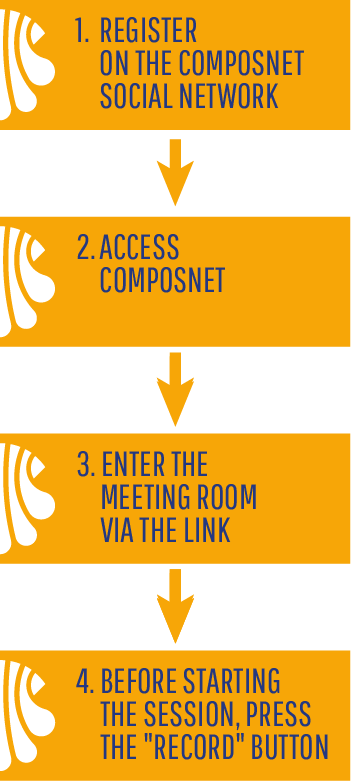
1. COMPOSNET REGISTRATION
To use the videoconferencing tool associated with the online mobility of the Stella mobility programmes it is necessary to register in Composnet, the social network of the Compostela Group of Universities (CGU). Registration in it is limited to students, professors, researchers and service staff of the CGU member universities. For this reason, you must use an email address with a corporate extension when joining. In the member universities section, you will find more information on this issue in the social network.
2. ACCESS TO COMPOSNET
Once you have registered, you can access Composnet as a user.
3. MEETING ROOM
In the social network, there will be a meeting room set up for each mobility. Only the coordinator and the beneficiary of the mobility will have access, as well as the Compostela Group of Universities for monitoring functions. A few days before the start of the mobility, both will receive a link to the virtual meeting room and a password to enjoy all the functionalities. In this room, you will find a link with the text "Join", which will allow you to reach the online videoconferencing software.
When we log in, we are asked to agree to use the microphone and a sound test is performed. Besides, our computer may ask for permission to access the audio or video.
Additional participants can be invited to the meetings. Before, they will need to register and log into Composnet. Then, they can join the meeting through the same link.
The video conference is held on our server using BigBlueButton technology. Detailed tutorials on how to use the tool are available at this link.
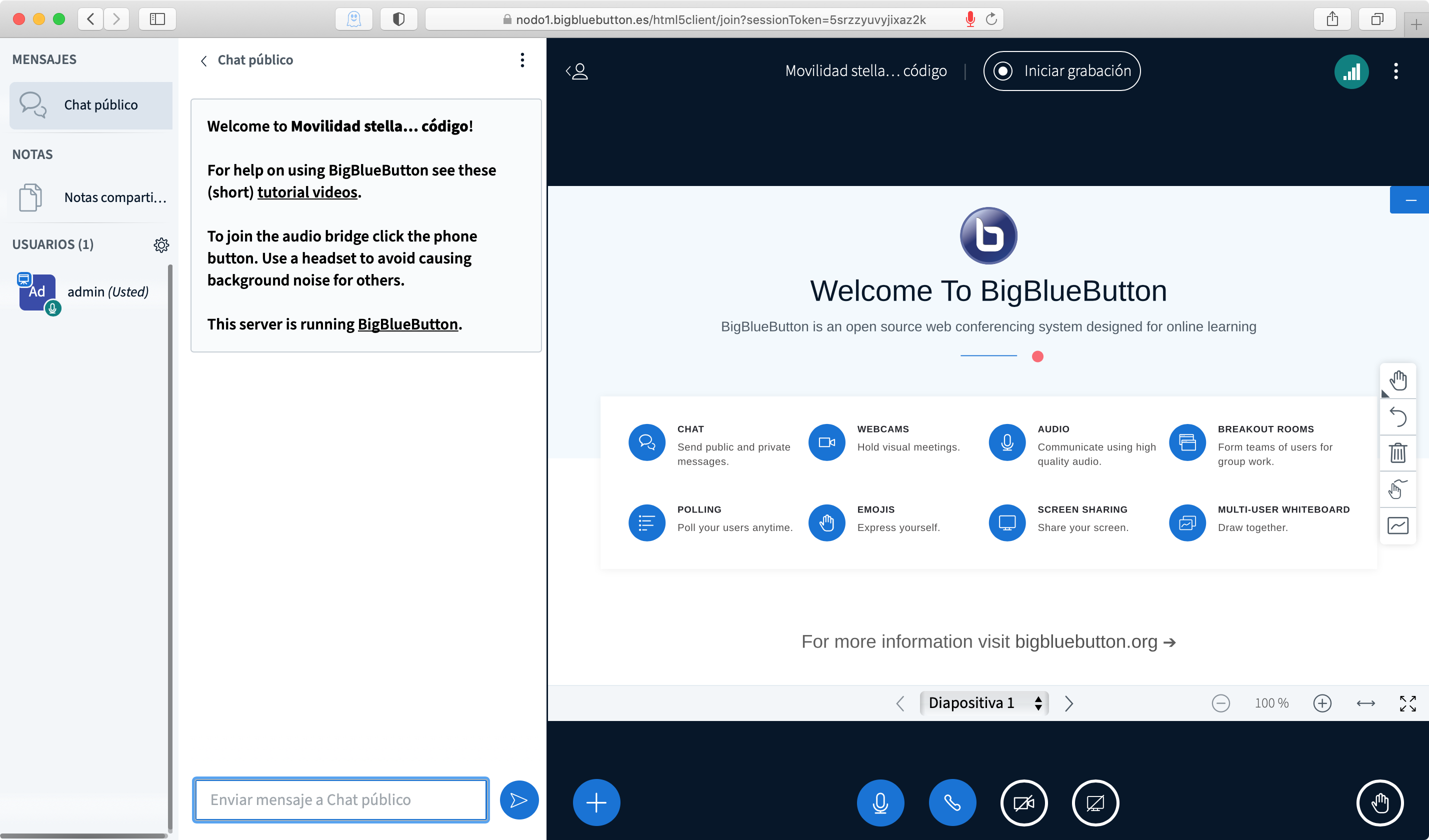
Start screen of a BigBlueButton room.
No specific software is required to use the video conferencing tool. Thus, any computer, smartphone or tablet with an up-to-date browser is suitable. It has been tested with different browsers and platforms, but Chrome is recommended to maximise compatibility. It is also advisable to set up a test meeting before the first scheduled session to confirm that the browser is compatible
4. RECORDING OF THE SESSION
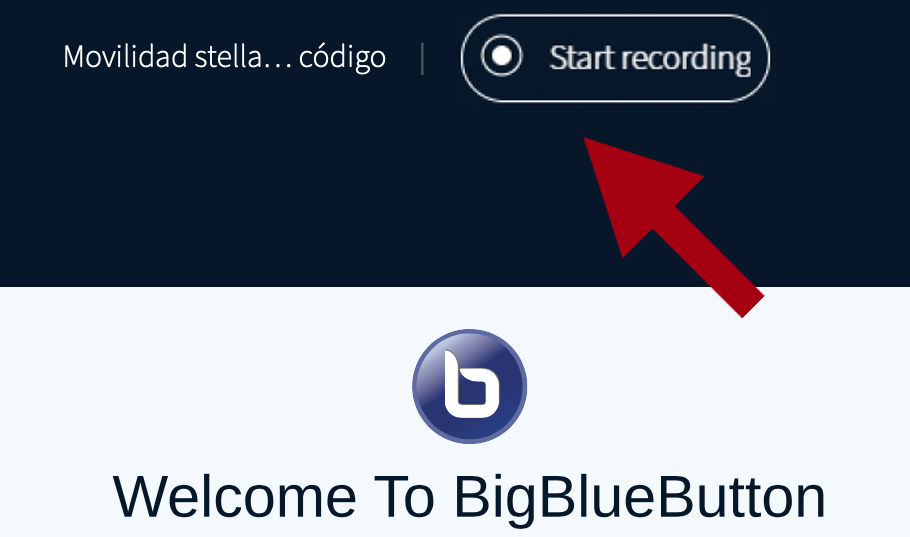 Once inside, the host must press the recording option. The recordings will remain on a secure server and can be consulted by the participants and the staff of the Compostela Group of Universities, which is in charge of monitoring the compliance with the Stella programmes guidelines. At the end of the mobility period and after the review of the supporting documentation of the grant, the recordings will be deleted.
The room will remain open for the entire duration of the mobility until it is closed. From that moment on, only the Compostela Group of Universities will have access to the room to make the relevant checks.
 English
 Spanish